
Online prescription teams re-type orders into the pharmacy system. Here is how one provider stopped, and how we can connect yours.
A case note without a name, because the client's privacy comes first.
We connected an online prescription provider's storefront, pharmacy API, treatment emails and shipment tracking, so staff stopped re-typing orders. We do not publish this client's name or numbers.
Page updated October 19, 2026.
What did we connect for the prescription provider?
The order flow from the storefront to a pharmacy API, treatment-specific transactional emails, and shipment tracking updates to the customer.
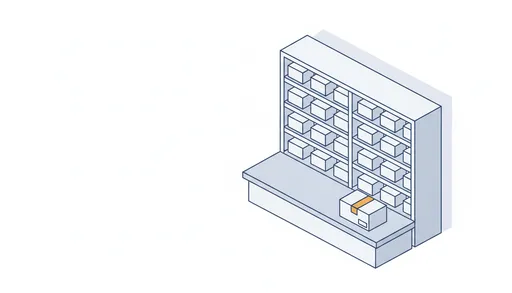
- Orders placed in the storefront reach the pharmacy through its API, without anyone copying them.
- Each treatment has its own transactional email, sent from the provider's own email service.
- Shipment tracking updates travel back to the customer by email.
- Groundwork for a patient portal, so the same records can feed it later.
How did we work without touching patient data?
We built and tested with test records first, and we only had access inside the client's own accounts.
Each connection was proven in a test environment before production access was switched on, and that access was limited to what the integration needed.
What changed for the team?
Staff stopped re-typing orders into the pharmacy system.
We do not publish this client's numbers or name. Figures stay private until the client approves them.
Could the same approach fit your business?
If you run an online prescription, consultation or insurance business with a CRM and at least one outside system, probably yes. The free readiness checklist is how you find out.
The same route is laid out step by step in a worked order example, and the intake side in healthcare CRM integration.
How do we start?
With the free readiness checklist. Then, if it helps, a 30-minute call that you book yourself in a free slot.
Get the integration-readiness checklistOr book a 30-minute callor write to hello@telehealthautomation.com